
Table of Contents
- 1. Household & Family Budgeting – Collapsed Wallet
- 2. Microsoft Create (Office/Excel templates)
- 3. Google Sheets Template Gallery
- 4. Vertex42
- 5. Smartsheet (template download hub)
- 6. Canva
- 7. Ramsey Solutions – Free Budget Templates (EveryDollar worksheets)
- 8. NerdWallet – Free Budget Worksheet and Spreadsheet
- 9. Spreadsheet123
- 10. HubSpot – Free Budget Templates
- 11. U.S. Consumer.gov (Federal Trade Commission) – Budget Worksheet
- 12. Tiller (Community Free Templates for Google Sheets)
- 12 Free Budget Templates Compared
- From Template to Action: Your Next Steps in Financial Mastery
This blog post may contain affiliate links. As an Amazon Associate I earn from qualifying purchases.
Creating a budget is the foundational step toward taking control of your finances, reducing money-related stress, and building a secure future. But starting with a blank spreadsheet can feel overwhelming. That's where a well-designed template comes in; it provides the structure, formulas, and categories you need to get started immediately. Whether you're a student, a growing family, or a meticulous planner, the right tool can transform budgeting from a chore into an empowering habit. This guide cuts through the noise to bring you the best free budget templates available, categorized to help you find the perfect fit for your financial style and goals.
The aim of our blog is to provide valuable insights and practical tips to help readers manage their money more effectively. However, the information shared here is for general guidance and educational purposes only. It should not be regarded as professional financial advice. Any actions taken based on our content are entirely the responsibility of the reader, and we accept no liability for the outcomes of those actions. If you require financial advice tailored to your personal circumstances, we strongly recommend seeking assistance from a qualified financial adviser.
We’ve curated a comprehensive list of high-quality resources from trusted sources like Microsoft, Google, Ramsey Solutions, and even the U.S. government. For each option, we provide a quick overview, highlight key pros and cons, and suggest specific use cases to help you make an informed choice. You'll find direct download links and screenshots for every template, so you can see exactly what you’re getting. To further explore options and ensure you find the perfect fit, consider these additional 12 Best Personal Budget Spreadsheet Templates. Our goal is to equip you with the best tool for the job, helping you build a budget that works for you and moves you closer to financial freedom.
1. Household & Family Budgeting – Collapsed Wallet
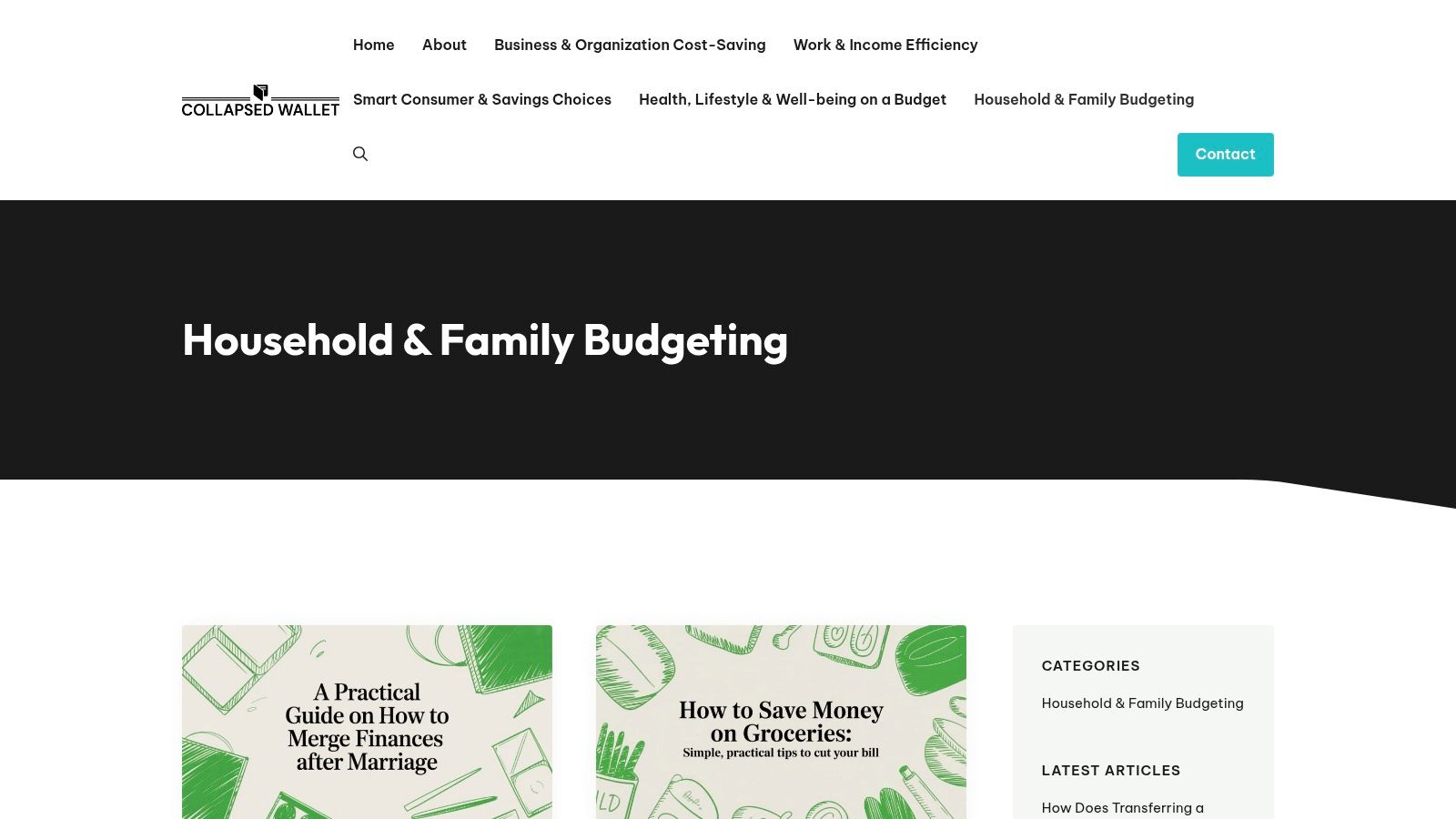
For families and multi-person households seeking a centralized, practical resource hub, the Household & Family Budgeting section from Collapsed Wallet stands out as a premier destination. This platform moves beyond generic financial advice, offering a curated collection of free budget templates, printable worksheets, and actionable guides tailored specifically to the complexities of managing shared finances. Its strength lies in its no-nonsense, real-world approach, providing tools that address common family pain points like splitting bills, planning for future expenses, and accounting for childcare costs.
The aim of our blog is to provide valuable insights and practical tips to help readers manage their money more effectively. However, the information shared here is for general guidance and educational purposes only. It should not be regarded as professional financial advice. Any actions taken based on our content are entirely the responsibility of the reader, and we accept no liability for the outcomes of those actions. If you require financial advice tailored to your personal circumstances, we strongly recommend seeking assistance from a qualified financial adviser.
Why It Excels for Household Budgeting
What makes this resource exceptional is its blend of ready-to-use tools and expert, jargon-free guidance. The content is developed by experienced money coaches and researchers who understand that a family budget must be both comprehensive and flexible. Instead of just offering a spreadsheet, the site provides the context needed to implement it effectively, a crucial step often overlooked by other platforms. For those just starting, the foundational guides on how to create a budget you will stick to offer a perfect entry point into structured financial planning.
The platform also includes honest reviews of budgeting apps and financial tools, helping you decide which technologies can complement your manual planning efforts. This holistic approach ensures you not only get a template but also the strategic knowledge to adapt it as your family's needs evolve.
Key Features and Use Cases
| Feature | Best For | Implementation Tip |
|---|---|---|
| Downloadable Templates | Families needing a structured way to track shared expenses, bills, and savings. | Customize the spreadsheet categories to reflect your household's unique spending (e.g., "Kids' Activities," "Pet Care"). |
| Printable Worksheets | Visual planners who prefer a hands-on, pen-and-paper approach to weekly or monthly tracking. | Pin the expense or savings worksheet on your fridge to keep it top-of-mind and encourage family participation. |
| Step-by-Step Guides | Anyone feeling overwhelmed by financial jargon and needing clear, actionable instructions. | Read the accompanying guide before downloading a template to understand the budgeting philosophy behind it. |
| Tool & App Reviews | Users looking to integrate technology with their manual budget for automated tracking or insights. | Use the reviews to find a companion app that syncs with your bank accounts to reduce manual data entry. |
Pros:
- Family-Centric Content: Resources are specifically designed for household challenges like shared finances and childcare costs.
- Actionable and Ready-to-Use: Provides immediately downloadable spreadsheets and printable worksheets.
- Expert, Clear Guidance: Articles are written by money coaches, making complex topics easy to understand.
- Constantly Updated: Includes current financial tips and relevant tool reviews to keep your strategy effective.
Cons:
- Lacks Personalization: The advice is general and may not suit complex financial situations requiring a certified advisor.
- Static Tools: Resources are primarily downloadable files, lacking the interactive or automated features of dedicated budgeting apps.
Access the templates at: Household & Family Budgeting – Collapsed Wallet
2. Microsoft Create (Office/Excel templates)
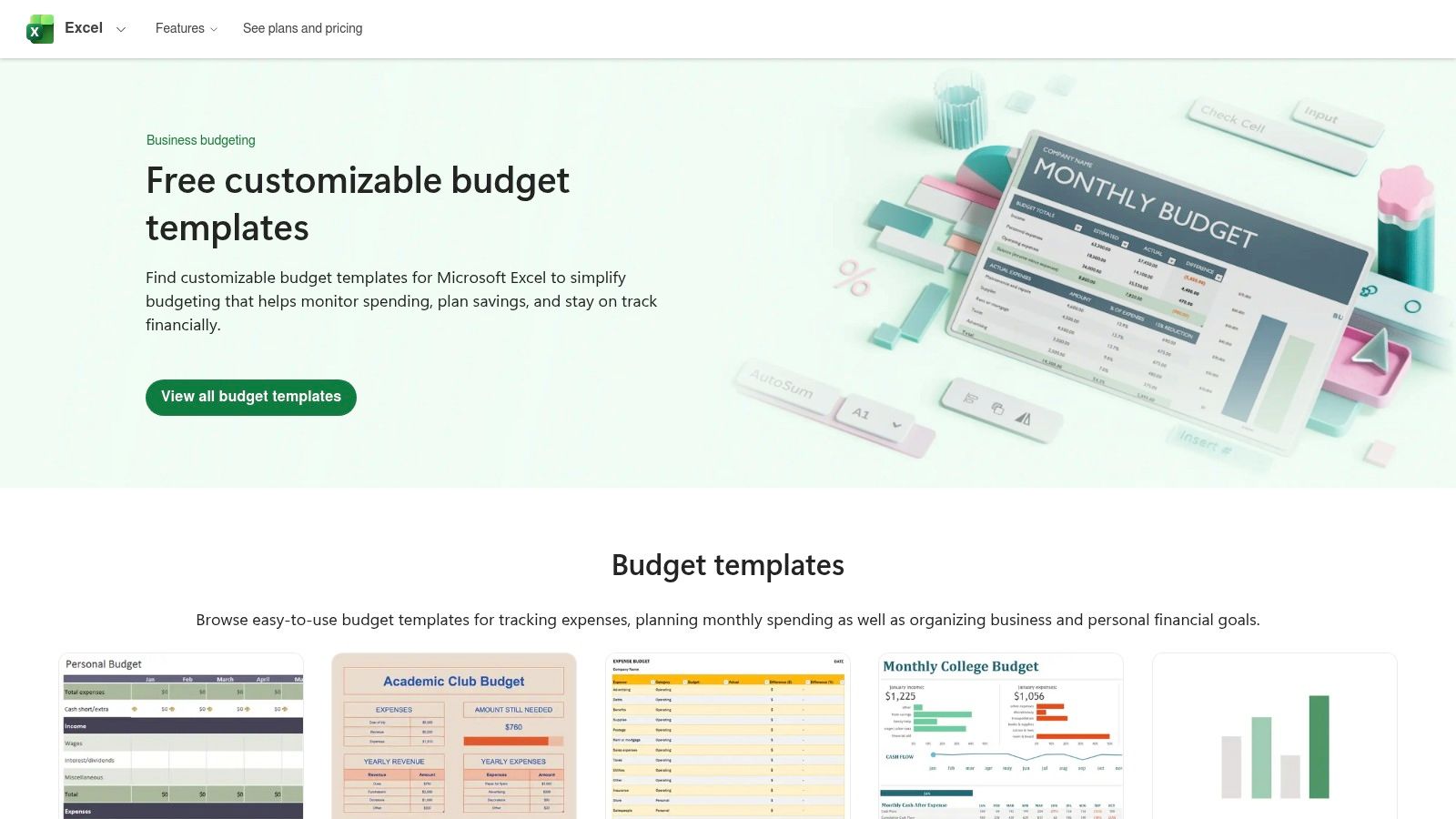
For those who prefer the robust functionality of desktop software, Microsoft Create is the official and most reliable source for high-quality, free budget templates designed for Excel. This platform stands out by offering a vast, professionally designed library maintained directly by Microsoft, ensuring seamless compatibility and security. You can find everything from detailed monthly personal budgets and 50/30/20 rule trackers to specialized templates for events, college expenses, and even small business cash flow.
The aim of our blog is to provide valuable insights and practical tips to help readers manage their money more effectively. However, the information shared here is for general guidance and educational purposes only. It should not be regarded as professional financial advice. Any actions taken based on our content are entirely the responsibility of the reader, and we accept no liability for the outcomes of those actions. If you require financial advice tailored to your personal circumstances, we strongly recommend seeking assistance from a qualified financial adviser.
Key Features and User Experience
Microsoft’s templates are more than just spreadsheets; they are pre-built financial tools. Each one comes with integrated formulas, conditional formatting, and visual charts that automatically update as you input your data. This saves you the significant effort of building a budget from scratch. The download process is simple: find a template you like, click download, and it opens directly in Excel, ready for immediate use both online with a Microsoft 365 account or offline on your desktop.
- Pros: Official, secure templates with strong Excel compatibility. Built-in formulas and professional data visualizations.
- Cons: Best experience requires Microsoft Excel. Importing to other programs like Google Sheets can break formulas and formatting.
- Best For: Individuals and businesses heavily invested in the Microsoft Office ecosystem who want powerful, offline-capable budgeting tools.
- Access: Microsoft Create Budget Templates
3. Google Sheets Template Gallery
For those who prioritize cloud-based access and real-time collaboration, the Google Sheets Template Gallery is an exceptional source for free budget templates. Integrated directly into Google’s suite of tools, these templates are ideal for anyone with a Google account who needs to manage finances from multiple devices. The platform offers core templates like a Monthly Budget and an Annual Budget, which are perfect for individuals, couples, or households who need to share and update their financial plan together instantly.
The aim of our blog is to provide valuable insights and practical tips to help readers manage their money more effectively. However, the information shared here is for general guidance and educational purposes only. It should not be regarded as professional financial advice. Any actions taken based on our content are entirely the responsibility of the reader, and we accept no liability for the outcomes of those actions. If you require financial advice tailored to your personal circumstances, we strongly recommend seeking assistance from a qualified financial adviser.
Key Features and User Experience
Google Sheets templates are built for simplicity and accessibility. They come pre-loaded with formulas to auto-calculate totals and often include charts that visualize your spending habits. The standout feature is its seamless, real-time collaboration; you and a partner can edit the same budget simultaneously from different devices, seeing changes as they happen. If you're just getting started, applying some basic budgeting tips for beginners within these templates can significantly streamline the process. Accessing them is as simple as opening Google Sheets and browsing the built-in gallery.
- Pros: Truly free with any Google account, no software installation needed. Excellent real-time collaboration for shared household budgets.
- Cons: Template gallery is less extensive than Microsoft's. Finding the gallery can sometimes be inconsistent across different account interfaces.
- Best For: Individuals, couples, and teams who need a collaborative, cloud-first budgeting solution that works on any device.
- Access: Google Sheets Template Gallery
4. Vertex42
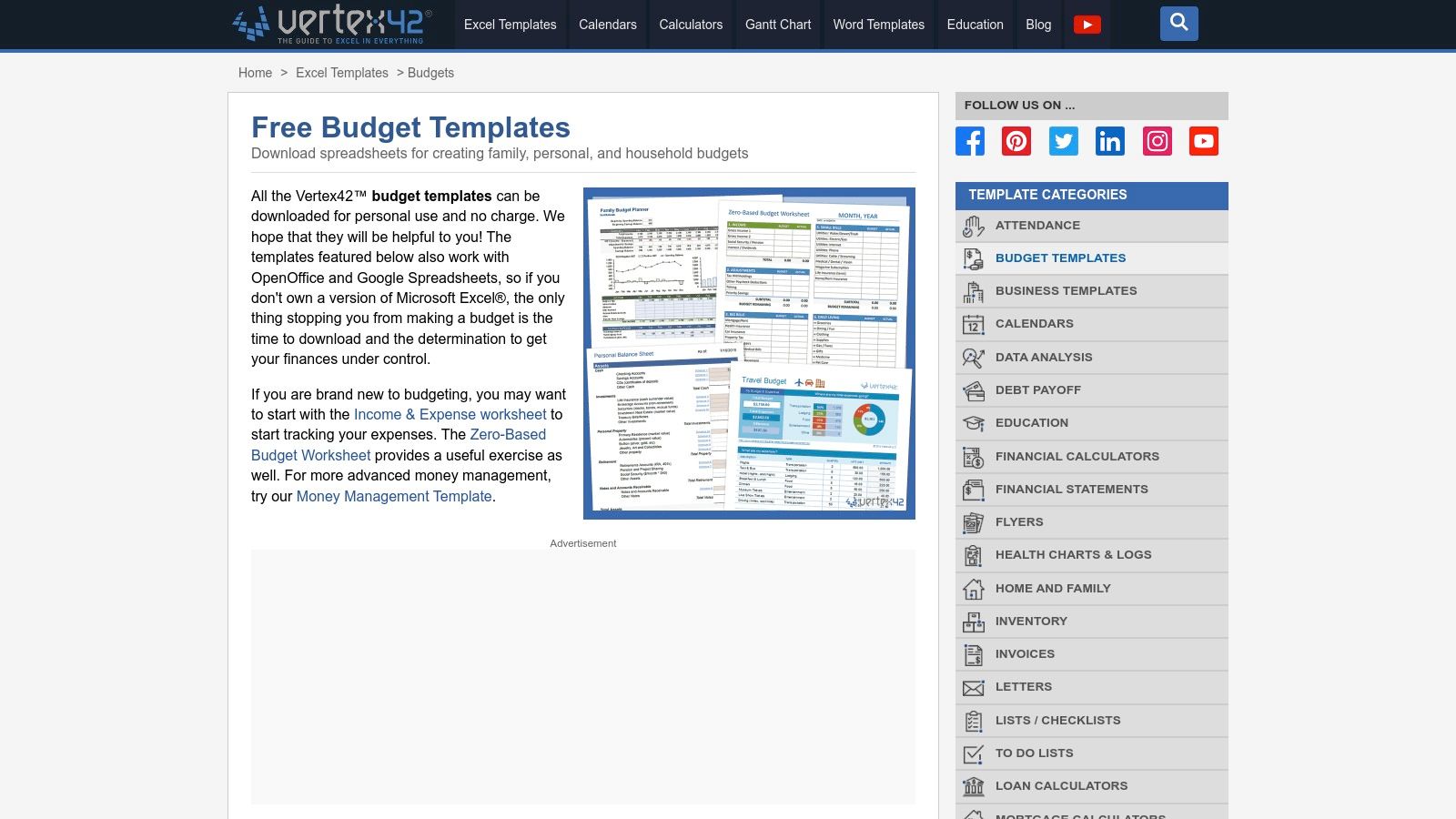
Vertex42 has been a trusted cornerstone in the world of spreadsheet solutions since 2003, offering a comprehensive library of high-quality, free budget templates. It is a go-to resource for DIY budgeters who appreciate meticulous detail and clear instructions. The site provides dozens of purpose-built templates for nearly any financial situation, including personal monthly budgets, zero-based envelope systems, family expense trackers, and specialized tools for weddings or college planning.
The aim of our blog is to provide valuable insights and practical tips to help readers manage their money more effectively. However, the information shared here is for general guidance and educational purposes only. It should not be regarded as professional financial advice. Any actions taken based on our content are entirely the responsibility of the reader, and we accept no liability for the outcomes of those actions. If you require financial advice tailored to your personal circumstances, we strongly recommend seeking assistance from a qualified financial adviser.
Key Features and User Experience
What sets Vertex42 apart is the depth and documentation of each template. Every file comes with clear instructions, well-structured layouts, and integrated charts that help you visualize your finances. Versions are available for Microsoft Excel, Google Sheets, and even OpenOffice, ensuring broad compatibility. The download process is straightforward, taking you directly to a template-specific page where you can choose your preferred format and get started without mandatory sign-ups.
- Pros: Highly detailed, trusted templates with a long history of reliability. A wide variety of specialized budgeting choices for different life events.
- Cons: The website is supported by ads, which can be distracting. Some of the more complex spreadsheets come with a slight learning curve.
- Best For: Detail-oriented individuals who want powerful, well-documented spreadsheets and the flexibility to use them across different software platforms.
- Access: Vertex42 Budget Templates
5. Smartsheet (template download hub)
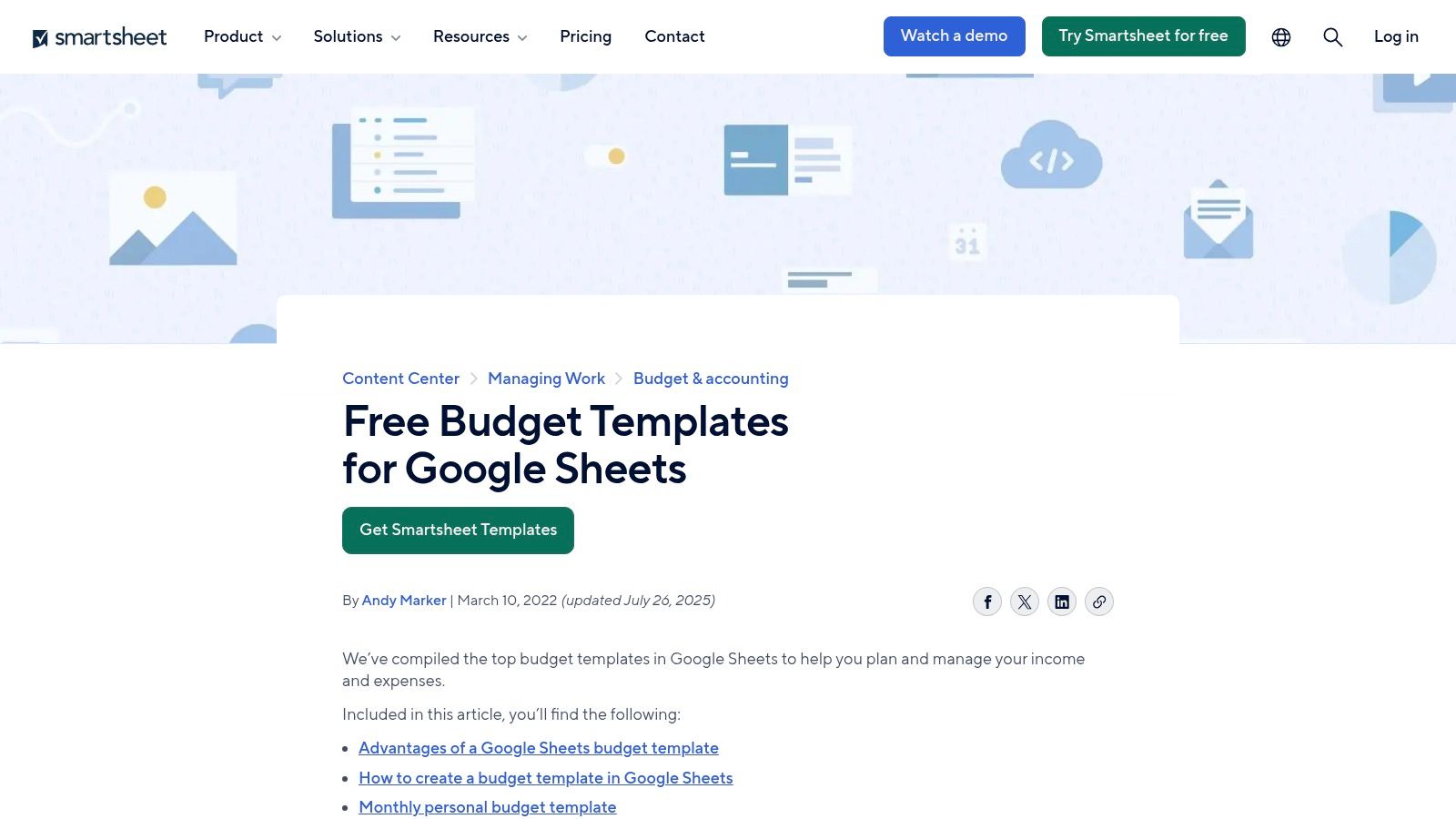
Smartsheet offers a comprehensive hub of free budget templates that cater to an exceptionally wide audience, from individuals managing household expenses to project managers and nonprofit organizations. Unlike platforms focused solely on personal finance, Smartsheet excels by providing professionally structured templates for both personal and business use. Each template is available for download in multiple formats, primarily Excel and Google Sheets, making them accessible without needing to use the core Smartsheet software product.
The aim of our blog is to provide valuable insights and practical tips to help readers manage their money more effectively. However, the information shared here is for general guidance and educational purposes only. It should not be regarded as professional financial advice. Any actions taken based on our content are entirely the responsibility of the reader, and we accept no liability for the outcomes of those actions. If you require financial advice tailored to your personal circumstances, we strongly recommend seeking assistance from a qualified financial adviser.
Key Features and User Experience
What sets Smartsheet apart is the educational context provided with each template. Downloads are often accompanied by detailed articles explaining how and when to use specific budgeting methods, such as zero-based or 50/30/20, along with practical implementation tips. The templates themselves are well-organized and include functionalities like variance tracking, which is crucial for business and project budgets. While the website heavily promotes the Smartsheet platform, the templates are genuinely free and serve as high-quality, standalone resources.
- Pros: Broad variety covering personal, project, and nonprofit needs. Available in both Excel and Google Sheets formats. Accompanied by clear instructions and usage guides.
- Cons: Website navigation can feel cluttered with marketing for the main Smartsheet product.
- Best For: Users who need versatile templates that can scale from simple personal budgets to more complex project or business financial planning.
- Access: Smartsheet Budget Templates
6. Canva
For those who prioritize aesthetics and customization in their financial planning, Canva offers a visually rich collection of free budget templates. Moving beyond traditional spreadsheets, Canva provides design-forward planners, printable worksheets, and trackers that are as beautiful as they are functional. It's the ideal platform for users who want to create a budget that they genuinely enjoy looking at, which can be a powerful motivator for sticking to financial goals. You can find everything from weekly spending logs and monthly budget overviews to savings goal trackers.
The aim of our blog is to provide valuable insights and practical tips to help readers manage their money more effectively. However, the information shared here is for general guidance and educational purposes only. It should not be regarded as professional financial advice. Any actions taken based on our content are entirely the responsibility of the reader, and we accept no liability for the outcomes of those actions. If you require financial advice tailored to your personal circumstances, we strongly recommend seeking assistance from a qualified financial adviser.
Key Features and User Experience
Canva’s strength lies in its intuitive drag-and-drop editor, allowing you to personalize templates completely. You can change colors, fonts, and layouts, or add decorative elements to match your style. While many templates are designed as printable PDFs, Canva Sheets also offers spreadsheet-style templates that can handle basic formulas and charts. The platform operates on a freemium model; thousands of high-quality designs are available for free, while others featuring premium assets require a Canva Pro subscription.
- Pros: Highly customizable and visually engaging templates perfect for print or digital sharing. Easy-to-use interface for users who prefer design over complex spreadsheets.
- Cons: Premium templates and design elements require a Canva Pro subscription. Not all templates are calculation-ready and may require manual setup for formulas.
- Best For: Individuals who are motivated by visual design and want printable, stylish budget planners to track their finances.
- Access: Canva Budget Templates
7. Ramsey Solutions – Free Budget Templates (EveryDollar worksheets)
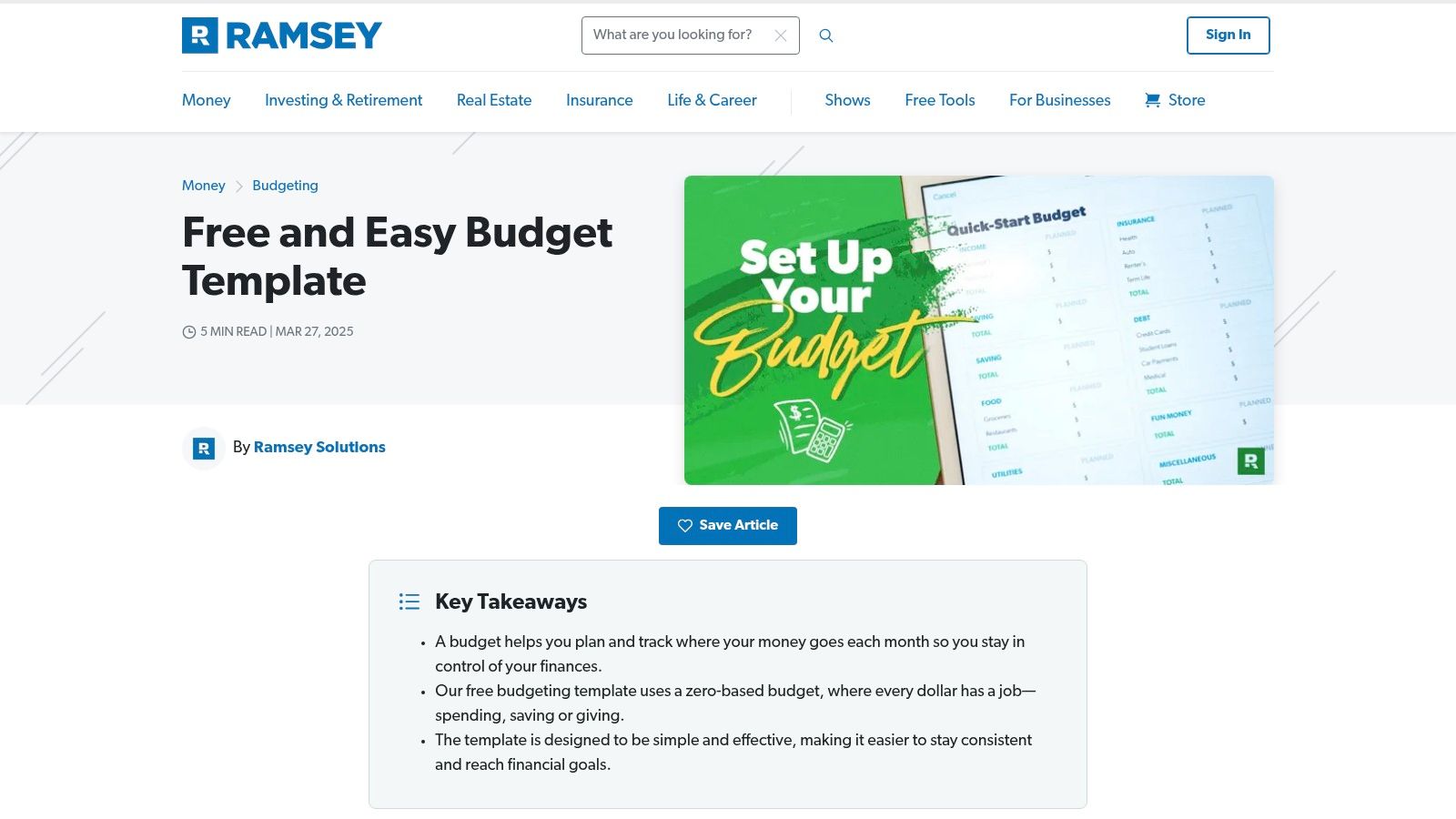
For those new to budgeting or fans of Dave Ramsey's financial principles, Ramsey Solutions offers a collection of simple, effective, and free budget templates. These resources are designed around the zero-based budgeting method, where every dollar of income is assigned a specific purpose. This approach is highly effective for gaining control over your spending and is presented through easy-to-use printable forms and fillable PDFs, such as the popular Quick-Start Budget. It’s an ideal starting point for anyone who prefers a tangible, pen-and-paper approach to money management.
The aim of our blog is to provide valuable insights and practical tips to help readers manage their money more effectively. However, the information shared here is for general guidance and educational purposes only. It should not be regarded as professional financial advice. Any actions taken based on our content are entirely the responsibility of the reader, and we accept no liability for the outcomes of those actions. If you require financial advice tailored to your personal circumstances, we strongly recommend seeking assistance from a qualified financial adviser.
Key Features and User Experience
The primary strength of the Ramsey Solutions templates is their simplicity and focus. Instead of overwhelming users with complex formulas, they provide a clear framework for allocating income to expenses, savings, and debt repayment. The user experience is straightforward: download the PDF, print it out or fill it in on your device, and start planning. These worksheets also serve as a great introduction to the principles used in Ramsey’s popular EveryDollar budgeting app, offering a no-cost entry point into their financial ecosystem.
- Pros: Beginner-friendly and minimal setup required. The zero-based approach provides clarity and control over spending.
- Cons: As printable PDFs, they lack the automation of spreadsheets. The zero-based method may feel restrictive to some users.
- Best For: Individuals and families new to budgeting who want a simple, hands-on tool to implement the zero-based budgeting philosophy.
- Access: Ramsey Solutions Budget Templates
8. NerdWallet – Free Budget Worksheet and Spreadsheet
For those new to budgeting and seeking a simple, guided entry point, NerdWallet offers an excellent resource. The well-respected consumer finance publisher provides free budget templates in the form of a straightforward worksheet built around the popular 50/30/20 rule. This approach stands out by combining a downloadable spreadsheet with clear, plain-English instructional content, making it perfect for beginners who want a credible, no-frills starting point without being overwhelmed by complex features or multiple budgeting philosophies.
The aim of our blog is to provide valuable insights and practical tips to help readers manage their money more effectively. However, the information shared here is for general guidance and educational purposes only. It should not be regarded as professional financial advice. Any actions taken based on our content are entirely the responsibility of the reader, and we accept no liability for the outcomes of those actions. If you require financial advice tailored to your personal circumstances, we strongly recommend seeking assistance from a qualified financial adviser.
Key Features and User Experience
NerdWallet's strength lies in its simplicity and educational support. The downloadable spreadsheet (compatible with Excel and Numbers) comes pre-structured to help you allocate your after-tax income: 50% to needs, 30% to wants, and 20% to savings and debt repayment. The accompanying article walks you through each step, from calculating your income to categorizing your spending. This integrated approach helps you not only fill out a template but also understand the principles behind it, which is crucial when you learn how to track your expenses for the first time.
- Pros: Backed by credible consumer-finance guidance. Extremely easy to follow for first-time budgeters.
- Cons: Limited to a single budgeting style (50/30/20). Lacks the variety and advanced features of dedicated template libraries.
- Best For: Beginners seeking a simple, one-time setup and a foundational understanding of budgeting principles.
- Access: NerdWallet Budget Worksheet
9. Spreadsheet123
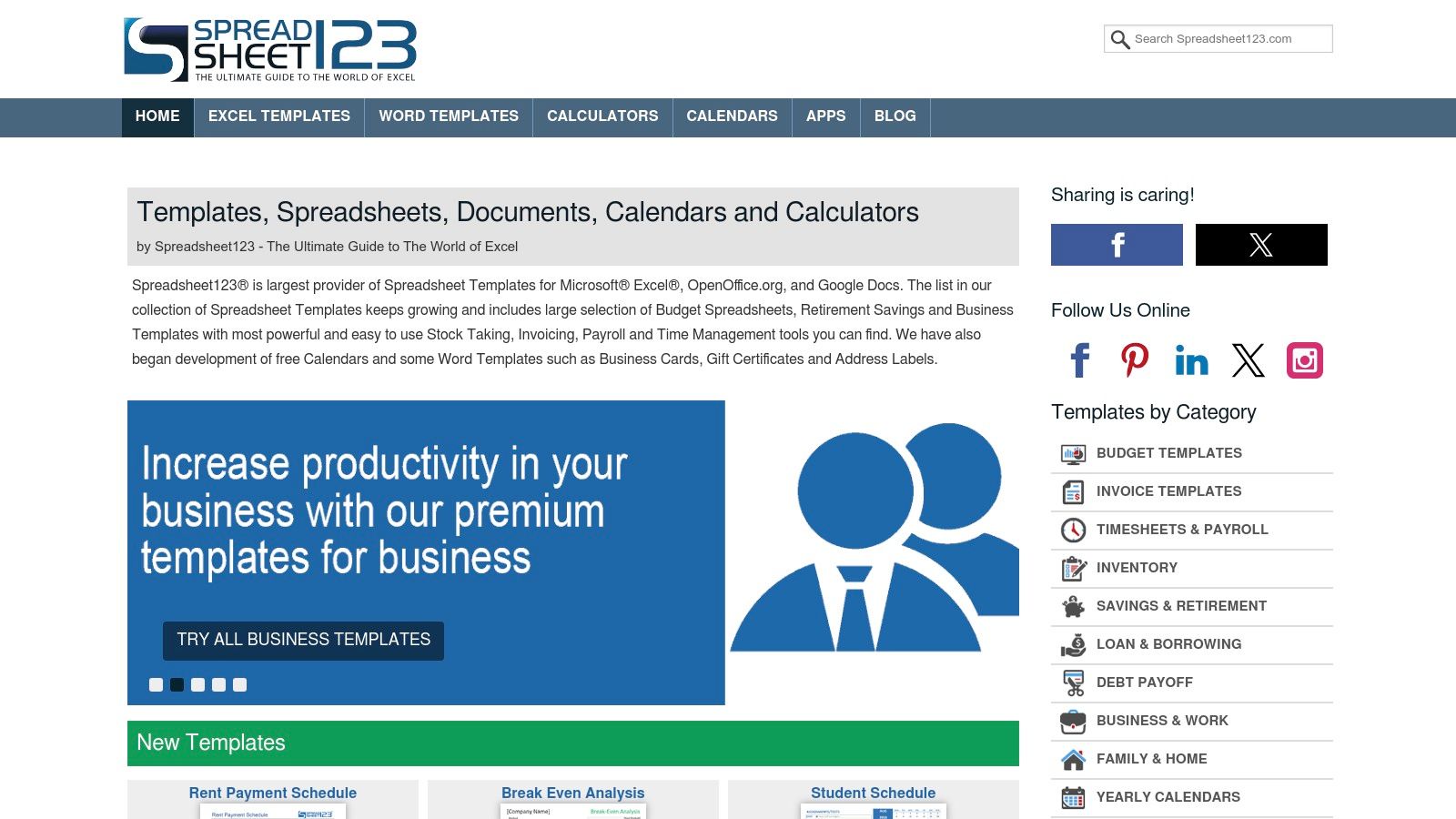
Spreadsheet123 has been a long-standing resource for a comprehensive catalog of free budget templates, offering impressive compatibility across various software. The platform distinguishes itself by providing versions for Excel, Google Sheets, and OpenOffice, making its tools accessible to a wide audience regardless of their preferred spreadsheet program. Its library is vast, featuring detailed yearly and monthly planners complete with Estimated vs. Actual tracking, visual dashboards, and in-depth charts to help users grasp their financial situation at a glance.
The aim of our blog is to provide valuable insights and practical tips to help readers manage their money more effectively. However, the information shared here is for general guidance and educational purposes only. It should not be regarded as professional financial advice. Any actions taken based on our content are entirely the responsibility of the reader, and we accept no liability for the outcomes of those actions. If you require financial advice tailored to your personal circumstances, we strongly recommend seeking assistance from a qualified financial adviser.
Key Features and User Experience
Spreadsheet123’s main advantage is its versatility and the detailed documentation accompanying each template. Users aren't just downloading a file; they're getting a tool with instructions and screenshots that explain how to use it effectively. This is particularly helpful for the more complex templates, which include dynamic dashboards that automatically visualize your spending habits. The download process is straightforward, allowing you to choose your preferred file format directly from the template page.
- Pros: Excellent compatibility with Excel, Google Sheets, and OpenOffice. A wide variety of templates with helpful documentation and examples.
- Cons: The website's user interface is dated and contains ads. Some of the more detailed templates can have a steeper learning curve.
- Best For: Users who want detailed, feature-rich templates and appreciate having versions for different spreadsheet applications.
- Access: Spreadsheet123 Budget Templates
10. HubSpot – Free Budget Templates
HubSpot, a leader in marketing and sales software, extends its expertise into practical business tools by offering a suite of professionally structured, free budget templates. These resources are especially valuable for small businesses, nonprofit managers, and individuals running side hustles or complex projects. The templates come in a downloadable pack that includes versions for Excel, Google Sheets, and even static PDFs, providing flexibility across different platforms and needs. Each template is designed with a business-oriented mindset, focusing on clarity, variance analysis, and professional presentation.
The aim of our blog is to provide valuable insights and practical tips to help readers manage their money more effectively. However, the information shared here is for general guidance and educational purposes only. It should not be regarded as professional financial advice. Any actions taken based on our content are entirely the responsibility of the reader, and we accept no liability for the outcomes of those actions. If you require financial advice tailored to your personal circumstances, we strongly recommend seeking assistance from a qualified financial adviser.
Key Features and User Experience
HubSpot’s templates are more than just spreadsheets; they are a complete resource kit. The download includes multiple budget types, such as a master marketing budget, project budgets, and departmental spending plans. Each template is accompanied by a guide that explains how to set it up and use its features effectively. This educational component is a significant advantage for those new to business financial planning. To access these files, users must submit their contact information via a form, which is a common practice for lead generation but a small price for high-quality, business-grade tools.
- Pros: Professionally designed templates suitable for business and project management. One download provides multiple templates in various formats (Excel, Sheets, PDF).
- Cons: Access is gated behind an email submission form. The focus is heavily on business use cases, making them less ideal for simple personal budgeting.
- Best For: Small business owners, freelancers, project managers, and nonprofit organizations needing structured, presentation-ready budget documents.
- Access: HubSpot Business Budget Templates
11. U.S. Consumer.gov (Federal Trade Commission) – Budget Worksheet
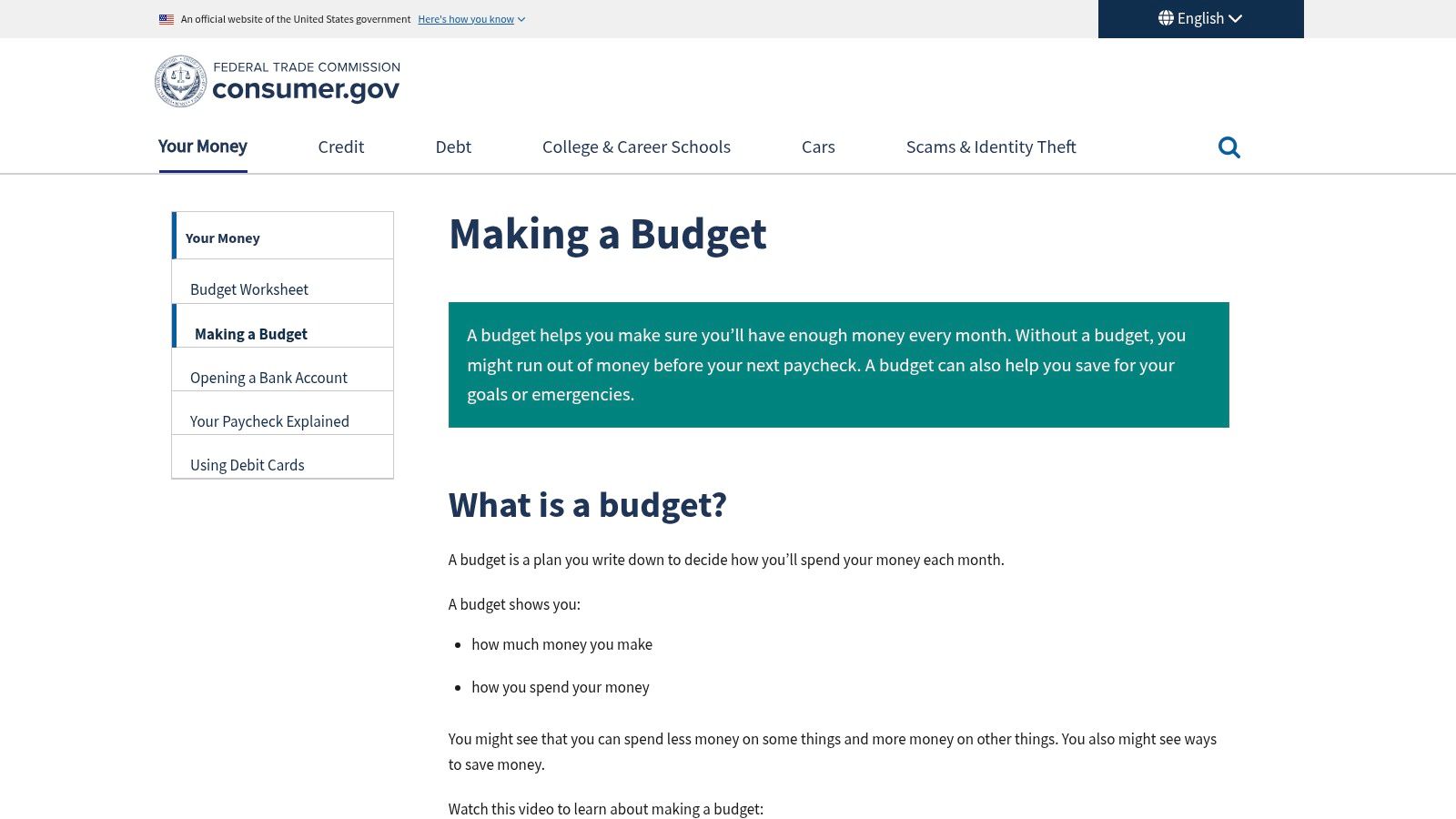
For absolute beginners or those seeking a trustworthy educational resource, the U.S. government’s Consumer.gov offers a simple, no-frills monthly budget worksheet. Managed by the Federal Trade Commission, this platform provides authoritative, ad-free guidance on creating a budget from scratch. It’s an ideal starting point for anyone feeling overwhelmed, making it one of the most accessible free budget templates for teaching financial literacy in classrooms or at home.
The aim of our blog is to provide valuable insights and practical tips to help readers manage their money more effectively. However, the information shared here is for general guidance and educational purposes only. It should not be regarded as professional financial advice. Any actions taken based on our content are entirely the responsibility of the reader, and we accept no liability for the outcomes of those actions. If you require financial advice tailored to your personal circumstances, we strongly recommend seeking assistance from a qualified financial adviser.
Key Features and User Experience
The core of this resource is its printable PDF worksheet, which is paired with plain-language instructions that walk you through the budgeting process step by step. The experience is intentionally basic, focusing on the fundamentals of tracking income and expenses without the complexity of software. It encourages a hands-on approach to understanding where money goes. The site also includes helpful videos and multilingual support, reinforcing its education-first mission.
- Pros: Authoritative, ad-free, and accessible resource from the U.S. government. Excellent for teaching, classrooms, and first-time budgeters.
- Cons: Worksheet is paper/PDF based and lacks spreadsheet automation. The design is minimal and has no automated formulas unless you recreate it.
- Best For: Individuals new to budgeting, educators, and anyone who prefers a simple, printable, pen-and-paper method from a trusted source.
- Access: U.S. Consumer.gov Making a Budget
12. Tiller (Community Free Templates for Google Sheets)
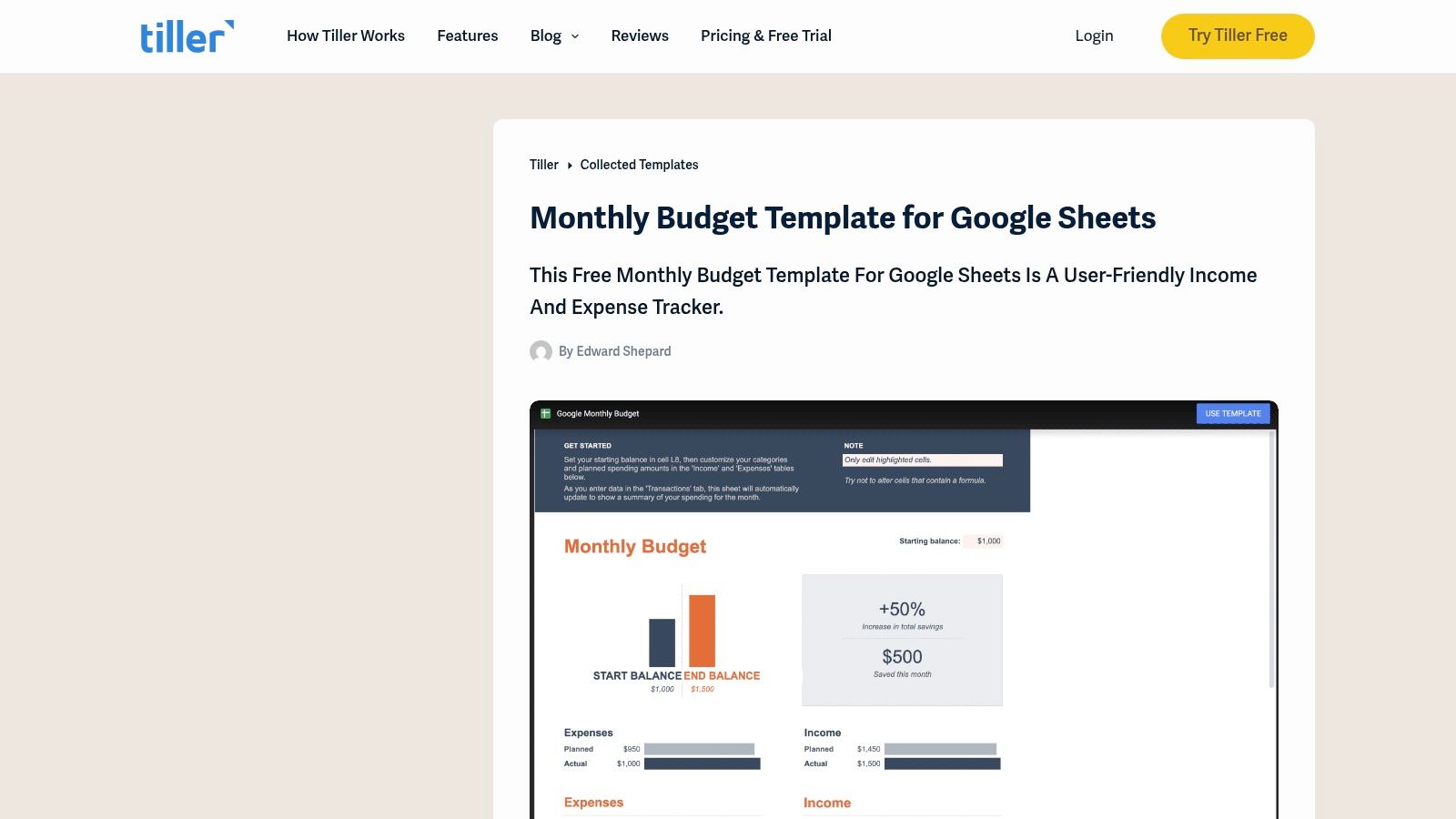
For those deeply integrated into the Google Sheets environment, Tiller offers a standout collection of community-driven free budget templates that operate independently of its paid automation service. This platform is unique because it provides powerful, spreadsheet-native tools designed by a community of finance enthusiasts. The flagship offering is a comprehensive monthly budget template that includes an income/expense tracker, customizable categories, and a dynamic dashboard, giving users a robust starting point for manual tracking.
The aim of our blog is to provide valuable insights and practical tips to help readers manage their money more effectively. However, the information shared here is for general guidance and educational purposes only. It should not be regarded as professional financial advice. Any actions taken based on our content are entirely the responsibility of the reader, and we accept no liability for the outcomes of those actions. If you require financial advice tailored to your personal circumstances, we strongly recommend seeking assistance from a qualified financial adviser.
Key Features and User Experience
Tiller's free templates are designed for immediate use within Google Sheets, providing a flexible foundation that users can adapt to their specific needs. While the templates function perfectly for manual data entry, they offer a clear and seamless upgrade path. If you decide you want to automate the process of importing bank transactions later, you can subscribe to Tiller’s service, which links directly to these community templates. This makes Tiller an excellent starting point for users who want a free tool now with the option for powerful automation in the future.
- Pros: Free, highly flexible, and built specifically for Google Sheets users. Provides a clear upgrade path to Tiller’s paid automation service for bank syncing.
- Cons: Requires basic comfort with Google Sheets for setup and customization. Some website content promotes the optional paid service.
- Best For: Google Sheets users who want a powerful, free manual budgeting system with the potential to add automated bank feeds later.
- Access: Tiller Monthly Budget Template
12 Free Budget Templates Compared
The aim of our blog is to provide valuable insights and practical tips to help readers manage their money more effectively. However, the information shared here is for general guidance and educational purposes only. It should not be regarded as professional financial advice. Any actions taken based on our content are entirely the responsibility of the reader, and we accept no liability for the outcomes of those actions. If you require financial advice tailored to your personal circumstances, we strongly recommend seeking assistance from a qualified financial adviser.
| Resource | Core features (✨) | Quality & ease (★) | Price / Value (💰) | Best for (👥) |
|---|---|---|---|---|
| Household & Family Budgeting – Collapsed Wallet 🏆 | ✨ Curated family guides, printable worksheets & spreadsheet templates, app reviews | ★★★★☆ Practical, jargon‑free, research‑backed | Free — templates & newsletter 💰 | 👥 Families, shared finances, DIY budgeters |
| Microsoft Create (Office/Excel templates) | ✨ Large library of formula‑ready Excel templates & charts | ★★★★☆ Professional, Excel‑native | Free; best with Microsoft 365 for cloud features 💰 | 👥 Excel power users, spreadsheet pros |
| Google Sheets Template Gallery | ✨ Cloud templates with real‑time collaboration & charts | ★★★☆☆ Device‑agnostic, collaborative | Free with Google account 💰 | 👥 Collaborative households & teams |
| Vertex42 | ✨ Dozens of detailed, well‑documented spreadsheet templates | ★★★★☆ Trusted, feature‑rich (learning curve) | Mostly free; some premium templates 💰 | 👥 DIY budgeters needing depth & options |
| Smartsheet (template hub) | ✨ Curated packs for personal, project & nonprofit budgets | ★★★☆☆ Versatile but marketing‑heavy | Free downloads; product upsell present 💰 | 👥 Project managers & mixed‑use budgets |
| Canva | ✨ Design‑forward printable planners & Canva Sheets | ★★★☆☆ Highly customizable, may lack automation | Free + Pro assets behind subscription 💰 | 👥 Visual planners, printable & shareable budgets |
| Ramsey Solutions – Free Budget Templates | ✨ Zero‑based printable/fillable worksheets | ★★★☆☆ Beginner‑friendly, simple setup | Free 💰 | 👥 Zero‑based budgeters, paper/print fans |
| NerdWallet – Free Budget Worksheet | ✨ 50/30/20 spreadsheet + plain‑English guidance | ★★★☆☆ Simple, guided for first‑timers | Free 💰 | 👥 First‑time budgeters seeking guidance |
| Spreadsheet123 | ✨ Yearly/monthly planners with Estimated vs Actual & dashboards | ★★★☆☆ Wide variety; dated UI & ads | Free (ad‑supported) 💰 | 👥 Users wanting many template choices |
| HubSpot – Free Budget Templates | ✨ Business/project packs (Excel/Sheets/PDF) with setup guides | ★★★☆☆ Professional templates; gated download | Free (email/form required) 💰 | 👥 Small businesses, nonprofits, project leads |
| U.S. Consumer.gov – Budget Worksheet | ✨ Plain‑language worksheet, multilingual & classroom resources | ★★★☆☆ Authoritative, ad‑free, minimal design | Free 💰 | 👥 Absolute beginners, educators, students |
| Tiller (Community Google Sheets) | ✨ Customizable monthly tracker + dashboard; optional automation | ★★★★☆ Spreadsheet‑native; flexible | Free template; paid automation optional 💰 | 👥 Google Sheets DIYers, future bank‑feed upgraders |
From Template to Action: Your Next Steps in Financial Mastery
Navigating the landscape of personal finance can feel overwhelming, but as we’ve explored, the right tool can transform complexity into clarity. Throughout this guide, we’ve dissected a dozen of the best free budget templates available, from the robust, data-driven spreadsheets of Vertex42 and Tiller to the visually intuitive designs offered by Canva. We’ve seen how specialized resources from Ramsey Solutions can anchor a debt-reduction plan, while versatile platforms like Google Sheets and Microsoft Excel provide a blank canvas for complete customization.
The aim of our blog is to provide valuable insights and practical tips to help readers manage their money more effectively. However, the information shared here is for general guidance and educational purposes only. It should not be regarded as professional financial advice. Any actions taken based on our content are entirely the responsibility of the reader, and we accept no liability for the outcomes of those actions. If you require financial advice tailored to your personal circumstances, we strongly recommend seeking assistance from a qualified financial adviser.
The core takeaway is this: there is no single “best” template, only the one that is best for you. Your ideal tool is the one you will consistently use. The most powerful spreadsheet in the world is useless if it gathers digital dust in a forgotten folder. The true engine of financial progress isn’t the template itself but the habit of engagement it helps you build. It’s the ritual of tracking expenses, reviewing your progress, and making conscious adjustments that turns a simple document into a powerful catalyst for change.
Choosing Your Starting Point
To move from information to implementation, let’s distill the selection process into a few actionable steps. Consider your personality, technical comfort, and primary financial goals when making your choice.
- For the “Set It and Forget It” Planner: If you prefer a comprehensive, one-time setup, consider the detailed annual and household budget templates from Vertex42 or Spreadsheet123. These are ideal for those who want a robust framework to guide their entire year.
- For the Visual Thinker: If charts, graphs, and a clean aesthetic motivate you, Canva‘s templates are an excellent choice. Their design-first approach makes budgeting feel less like a chore and more like a creative project.
- For the Collaborative Household: Families or partners managing shared finances will benefit greatly from the inherent sharing capabilities of the Google Sheets Template Gallery. Real-time updates ensure everyone stays on the same page.
- For the Goal-Oriented Debt Fighter: If your primary objective is to eliminate debt and build momentum, the worksheets from Ramsey Solutions are specifically designed to support the “debt snowball” methodology and keep you focused.
- For the Automation Enthusiast: For those comfortable with connecting accounts and who want to minimize manual data entry, exploring the Tiller Community Free Templates is a logical next step. They offer a bridge between static spreadsheets and fully automated apps.
Making Your Template Work for You
Once you’ve downloaded your chosen template, the real work begins. Remember, these free budget templates are starting points, not rigid prescriptions. The first month is about gathering data, not achieving perfection. Don’t be discouraged if your spending doesn’t align with your initial plan; the goal is awareness.
Commit to a weekly check-in. Set a 15-minute appointment with yourself every Sunday to update your template and review the past week’s transactions. This small, consistent action builds the muscle memory required for long-term success. As you become more familiar with your financial habits, you’ll uncover the “why” behind your spending and gain the insight needed to redirect your money toward what truly matters: achieving financial freedom and escaping the stress of financial uncertainty. This journey is built one small, intentional decision at a time, and your new template is the map that will guide you.
Ready to take your financial management to the next level with a system that grows with you? While these templates are a fantastic starting point, Collapsed Wallet offers a comprehensive platform designed to streamline your entire financial life, from budgeting and expense tracking to goal setting and net worth monitoring. Move beyond static spreadsheets and discover a dynamic, all-in-one solution at Collapsed Wallet.
